
Your administration
in your pocket.
Scan receipts with your phone and keep your administration up to date, wherever you are. At home, on the road or at a customer's.
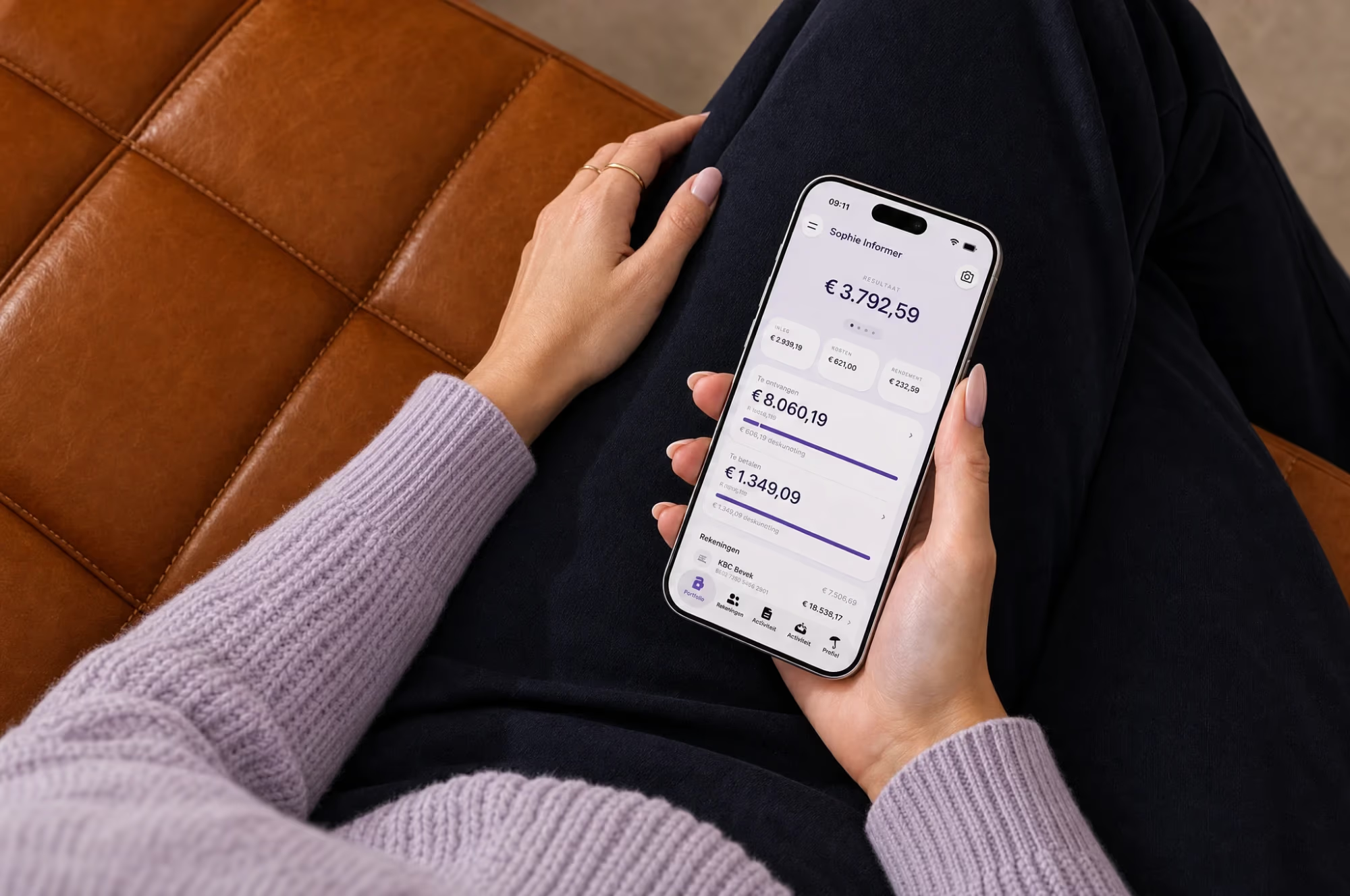
Photo taken.
Receipt saved.
Take a photo of your receipt with your phone. Informer recognises the amount and the VAT and suggests a booking. All you do is approve it, and the receipt is stored safely with your administration.
Log in without
typing a thing.
You log in to the app with a QR code. Scan it with your phone's camera, without typing in any login details.
The code is unique to your session and expires after a short time.
Lost your phone?
Block it.
Every device someone logs in on is listed in your settings. You see who uses it, which device it is and when it last connected. If a phone goes missing, you block it and the app is logged out straight away.
Works together with
the rest of Informer.
The mobile app is part of Business Essentials, along with every other app, with no cost per app.
- Mileage Record trips and mileage.
- Expense claims Employees submit expense claims for approval, receipts included.
- Scan and Recognise Scan and recognise incoming invoices instead of retyping them.
- Time tracking Record and approve hours per project, customer or task.
- Leave management Track and approve leave, with public holidays per country.
- Informer AI Informer's AI module that works alongside you.
Entrepreneurs like you
feel more confident.

Very clear and organised: I can find everything in it.
Maaike · Made by Maaike
I do my own bookkeeping with Informer.
Sam · Syntactics
What I like most about Informer is that it is user-friendly and simple.
Abi · Soursop
What would I do without Informer? Cry, probably.
Marjolein · De OpfleuristQuestions about the mobile app? This way.
What does the Informer mobile app cost?
Nothing extra. The mobile app for scanning receipts is part of Business Essentials. See pricing.
What can I do with the Informer mobile app?
You scan receipts with your phone and keep your administration up to date from your phone. Informer recognises the amount and VAT and suggests a booking; you keep the final say.
How do I log in to the Informer mobile app?
In Informer, open your profile, go to the Mobile app tab and scan the QR code with your phone's camera. The code expires after a short time.
What do I do if I lose the phone with the Informer app?
Block the device in Settings, under Devices. The app is logged out at its next request. You can lift the block again later.
Can I use the Informer app on more than one phone?
Every device a user logs in on is registered. In Settings, under Devices, you see them all, with the model, the app version and when each last connected.